
How to Use

1. Invite Team Members
There are 3 ways to invite people from your company to the VoicePing workspace.- If you want to assign members to projects/groups and determine permissions simultaneously with invitation, send an invitation email from “Invite to Workspace”.
- If you want to allow access to all floors and manage member permissions and groups later, use “Invite via URL”.
- If an administrator wants to create accounts, upload a CSV file from “Create User” or enter member names and email addresses.
2. Create Meeting Room
3. Set Translation Languages
Set translation languages from “Settings” (up to 4 selectable)4. Select Language
Select speaking language and display language from the chat box.5. Invite Members to Meeting Room
Share Translation URL with External Guests
Invite External Guests to Meeting Room
As shown in the video guide below, you can also allow guest participation by copying the meeting room URL and sharing it externally.Related Features
Join Notifications
When this feature is enabled, participants receive a join notification when entering the meeting room.Check Meeting Minutes
Click the “Meeting Log” icon in the top left of the meeting room, and you can view meeting minutes from [Meeting Log] > [Transcription] in the browser.Share Files & Logs to Workspace
To share recordings, logs, etc., please use the custom object feature. Simply paste the content URL or file into the custom object to complete.Dictionary Feature: Technical Terms & Custom Phrase Word Registration
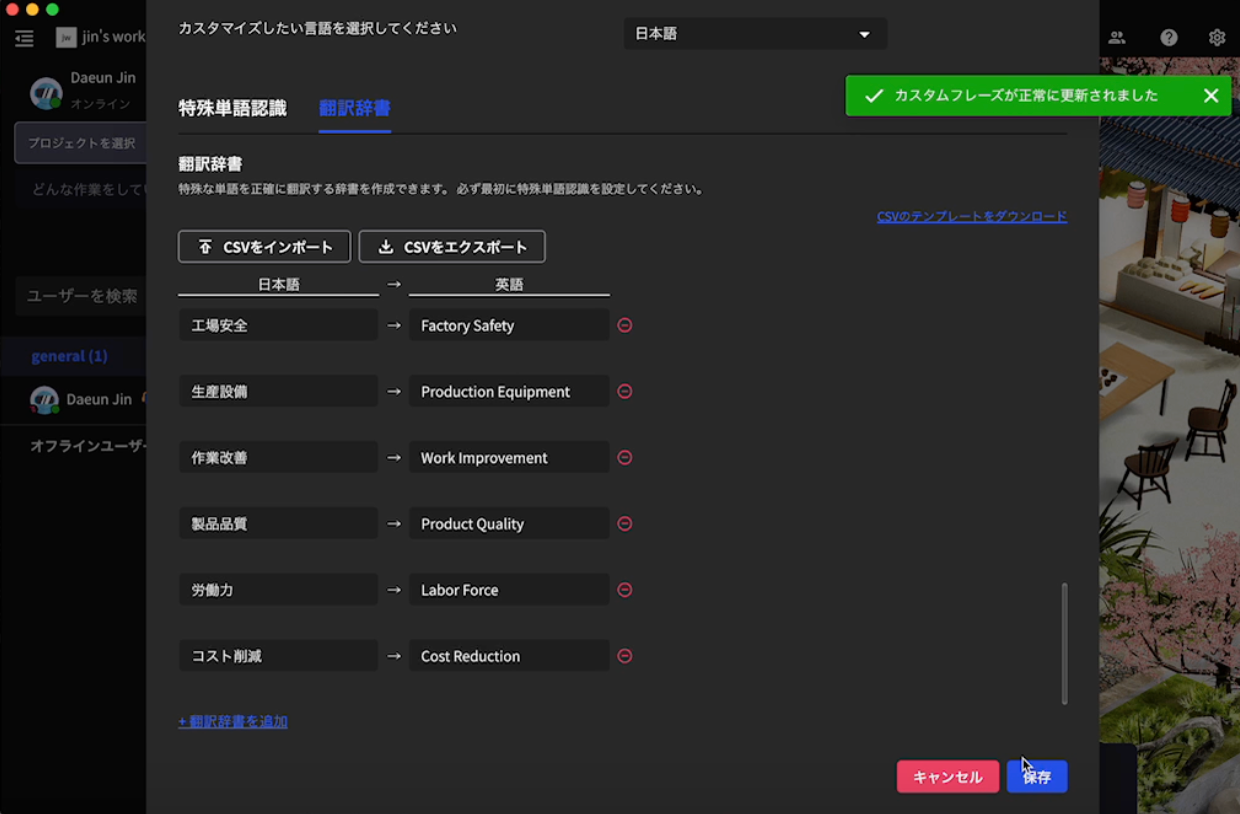
You can also register special word recognition features and translation dictionaries that accurately recognize technical terms and users’ custom phrases and support translation into other languages. For details, see Dictionary Feature.About Transcription Consumption Time Method
Transcription Consumption Time MethodTranscription time is calculated as the total consumption time used by all members and guests.Example: Small plan 600 minutes
- A: 30 minutes used
- B: 40 minutes used
- C (guest): 25 minutes used