
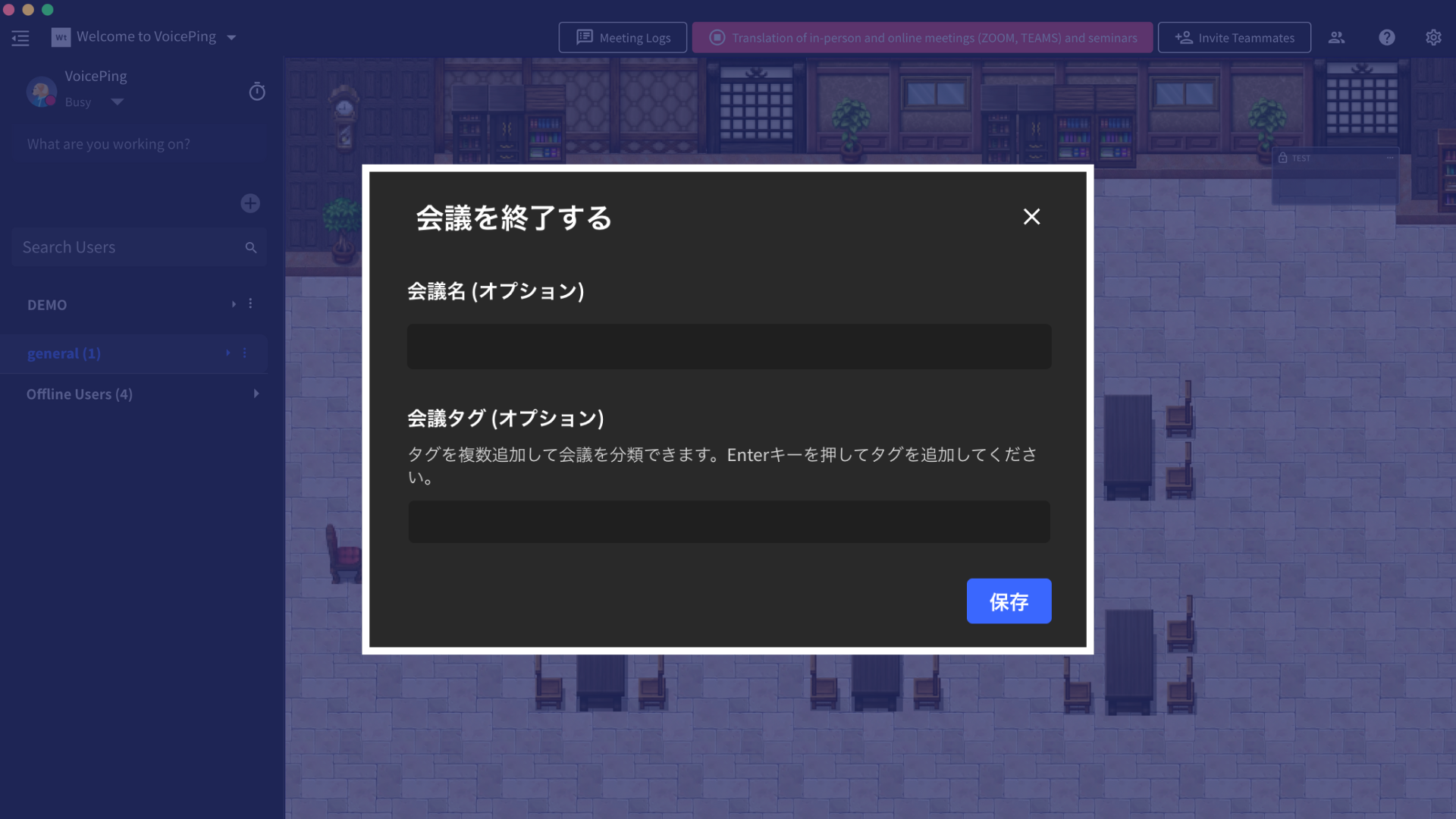
You don’t need to manually enter a title if you don’t want to. Simply press “Save,” and AI will analyze the log and automatically generate an appropriate title.
How to Use
[Video: Title & Tag procedure needed]- When you finish translation, “End Meeting” will appear
- Enter the meeting name (optional)
- If you don’t enter one, AI will automatically create a title
- Create a new tag or select an existing tag
Quickly Search Meeting Logs with Tags
[Video: Tag search procedure needed] By tagging meeting minutes, you can quickly find what you need from a large volume of logs.Benefits of Tagging
OrganizationBy creating tags by project, customer, or team, you can consolidate related meetings in one place.
Quick AccessBy filtering with tags, you can quickly find the information you need from hundreds of meeting logs.
AI Auto TitleEven if you don’t enter a title, AI will analyze the meeting content and automatically generate an appropriate title.