
1. Member Registration & Workspace Creation
After creating an account here, please create a workspace. For content related to account creation, please refer to the Member Registration Guide.2. Starting the Free Trial
Method 1: Registration from App
Steps
- Open the VoicePing app
- Click “Upgrade Free Plan”
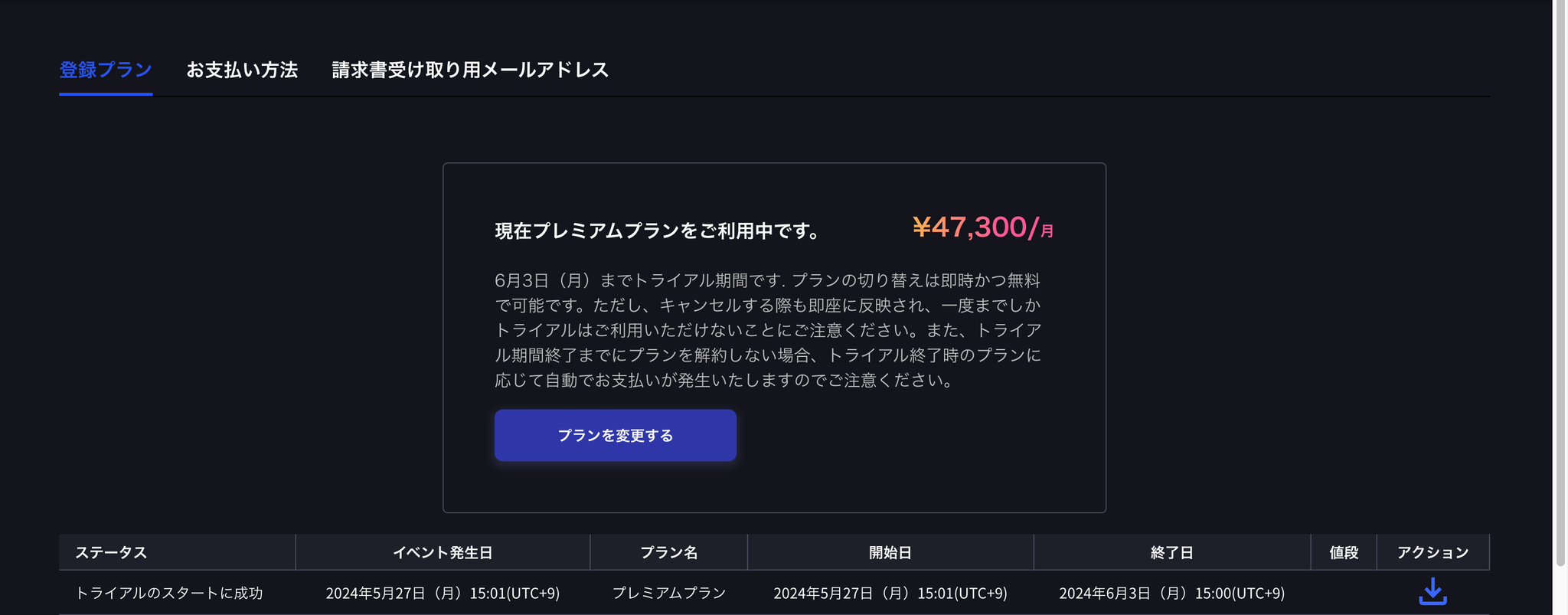
- Click “Change Plan”
- Click “Trial”
- Confirm trial policy (end date) and register credit card
- Start trial
Method 2: Registration from Browser
Steps
- Log in from here
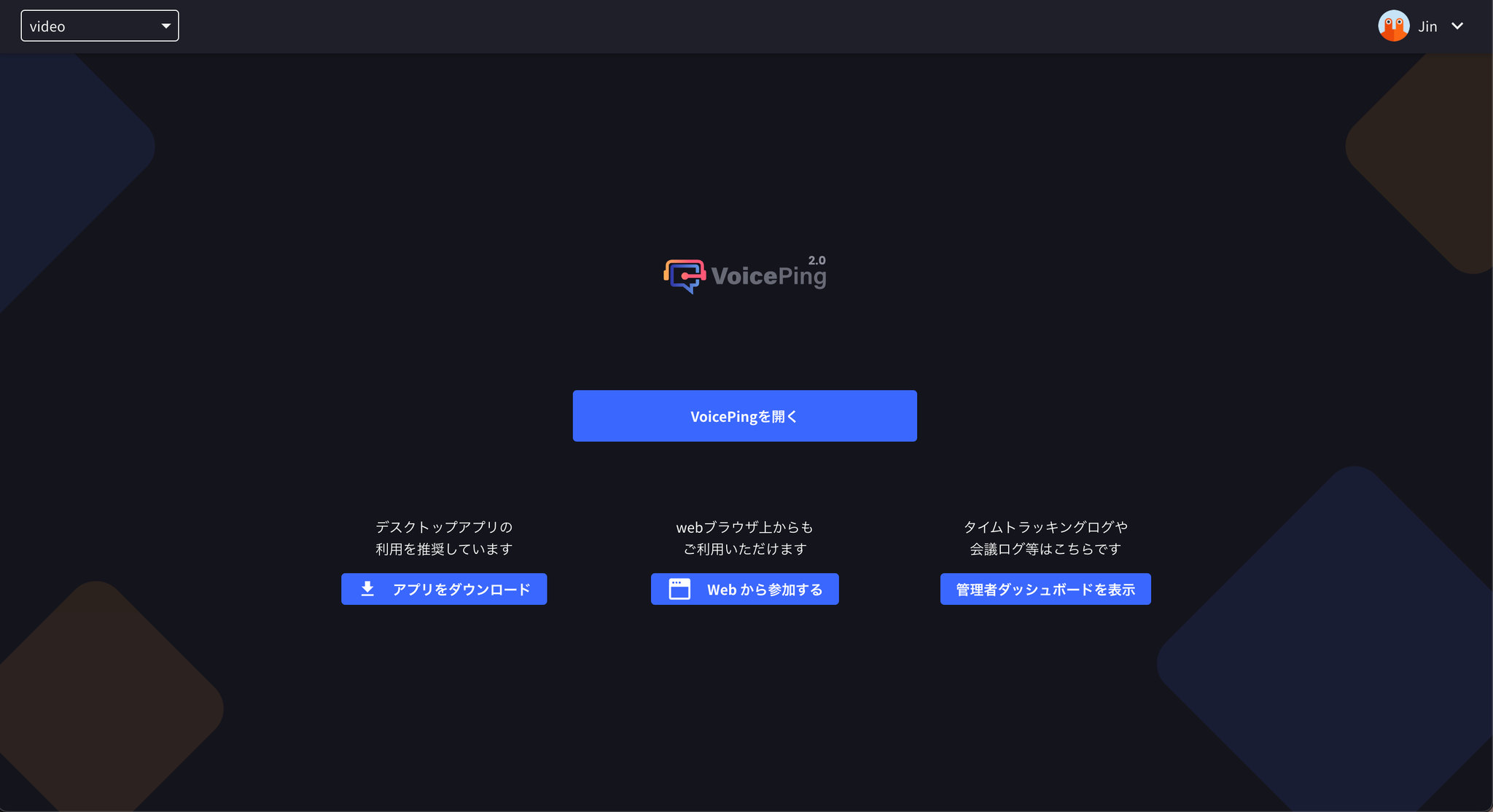
- Click “Show Admin Dashboard”
- Click “Payment Information” section
- Click “Change Plan”
- Click “Trial”
- Confirm trial policy (end date) and register credit card
- Start trial