
1. What is User Status
You can see what members in the virtual office are currently doing.2. Three Types of Status
- Online

- Busy

- Away

1. How to Change Basic Status
- Click the status button below your name in the upper left corner of the app
- Select the status you want
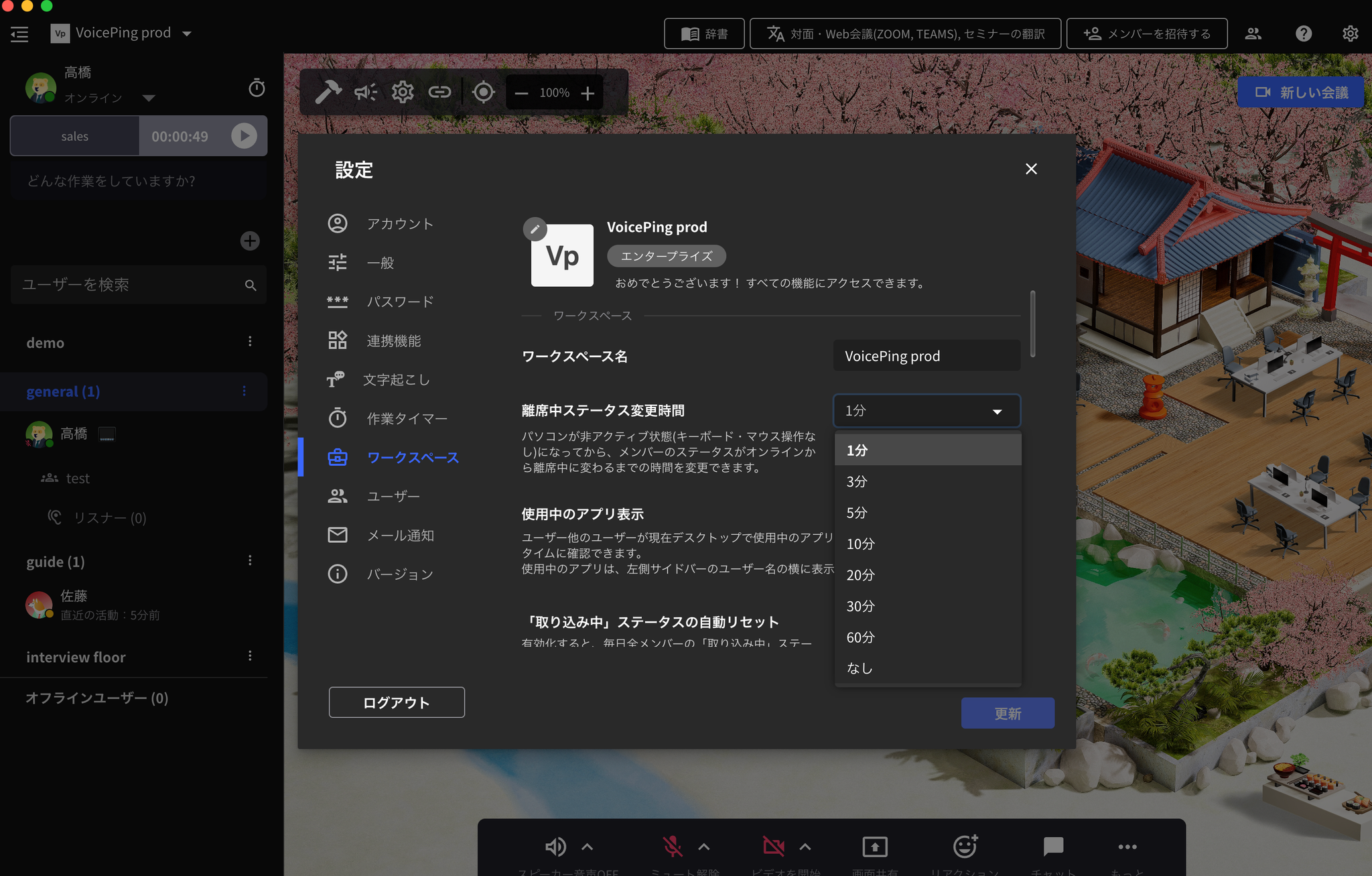
2. Set “Away” Status Change Time (Owner & Manager)
The PC idle time that will trigger the status switch can be selected and set by the workspace administrator from the following times.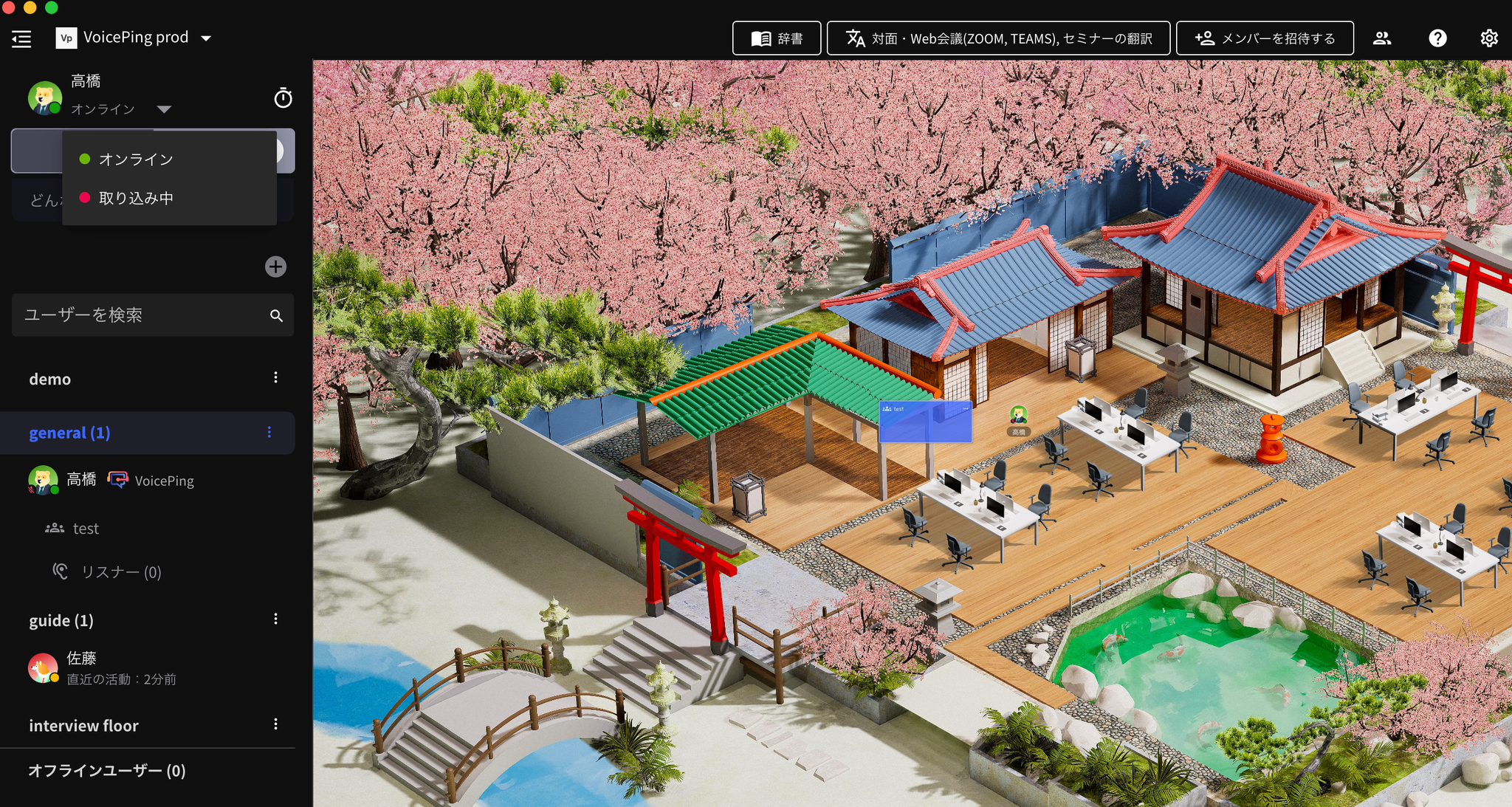
- Click the gear icon in the upper right corner of the app
- Click the “Workspace” tab
- Set the time for “Away Status Change Time”
3. Automatically Reset “Busy” Status
- Click the gear icon in the upper right corner of the app
- Click the “Workspace” tab
- Turn on automatic reset of “Busy” status
- Click the “Update” button
4. Custom Status
