
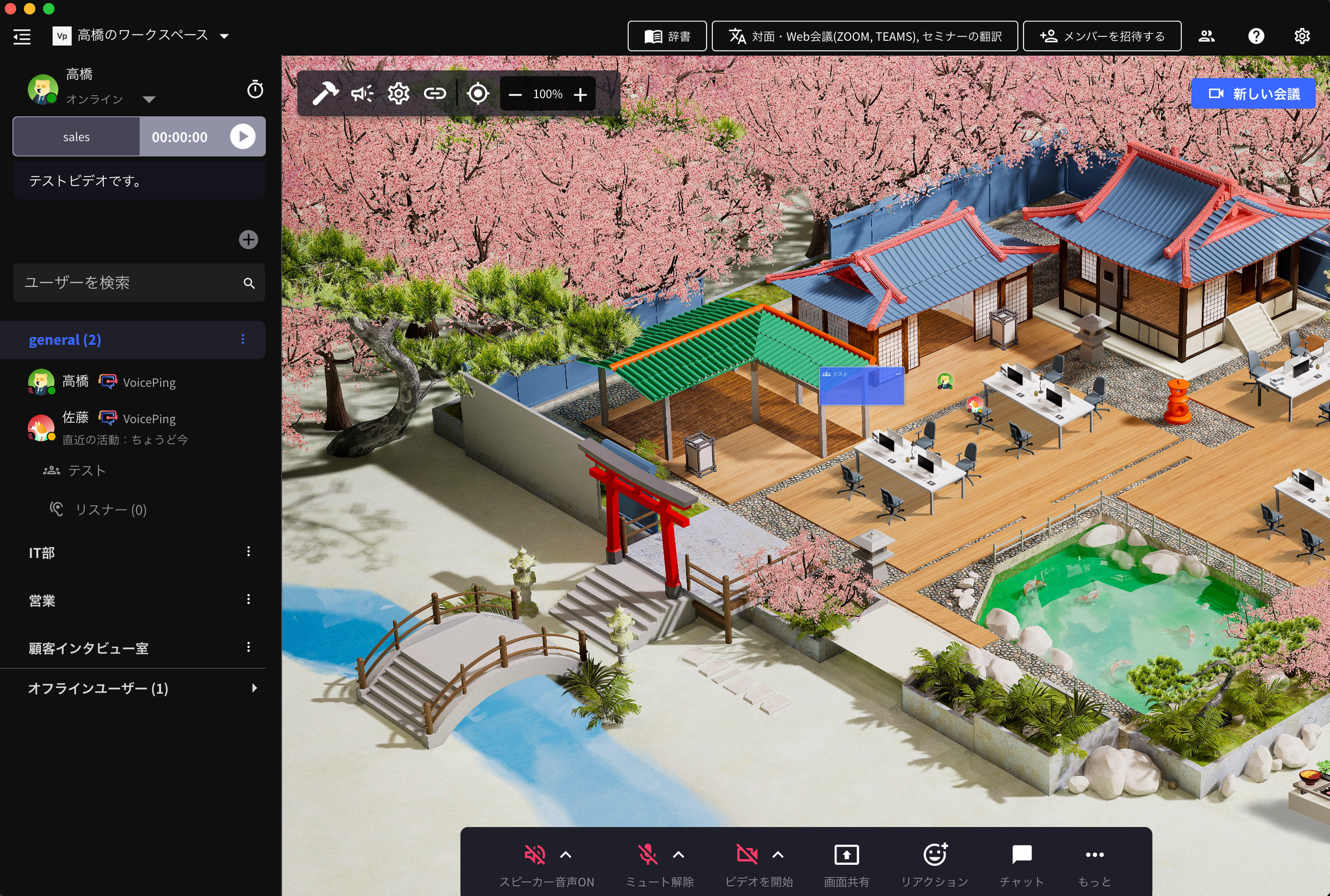
How to Create
- You can add by clicking the ”+” button at the top of the left menu (see video above).
- You can assign workspace members to each floor.
Floor Settings
The “Settings (gear icon)” at the top of the app is the floor settings button.What you can do from “Settings”
- Change floor name
- Enable guest web app (allow external guests to access the floor from their browser)
- Customize floor background
- Change assigned members