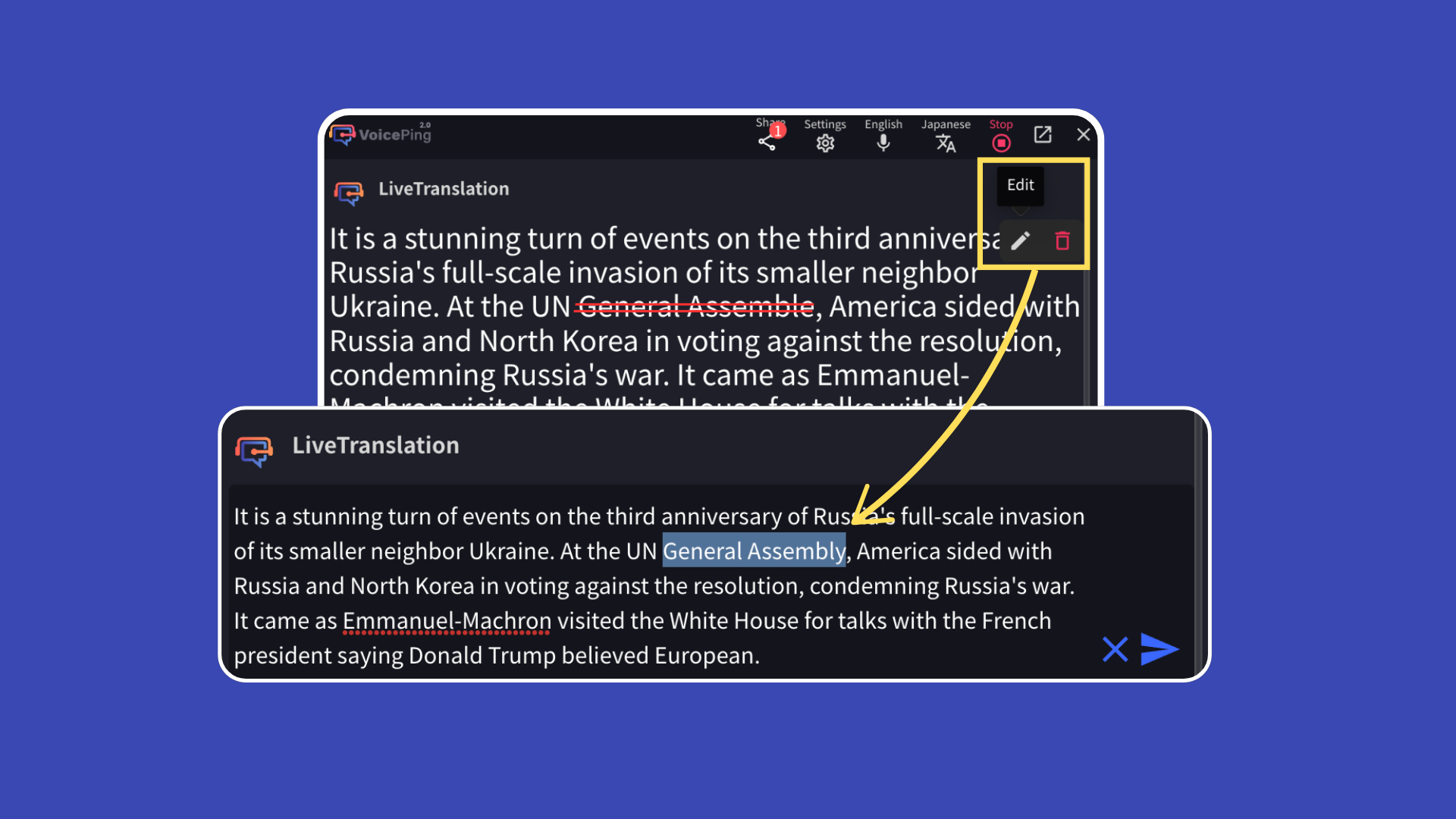
Real-Time Editing of Transcription & Translation Text
How to correct speech recognition and translation errors in real-time
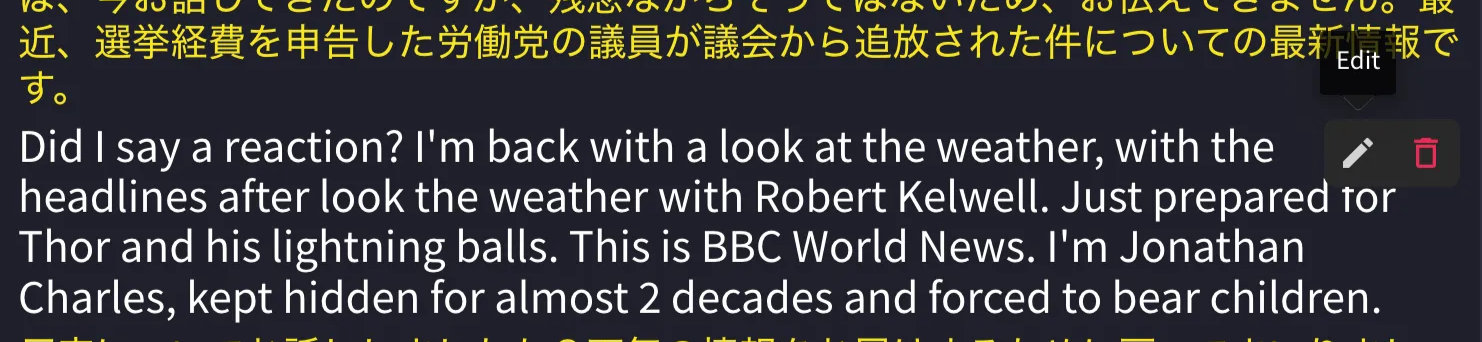
When a presenter speaker makes a mistake or there are errors in speech recognition/translation, you can edit the translation immediately, and the corrections are reflected in real-time to all guest translation channels.