What is Time Tracking

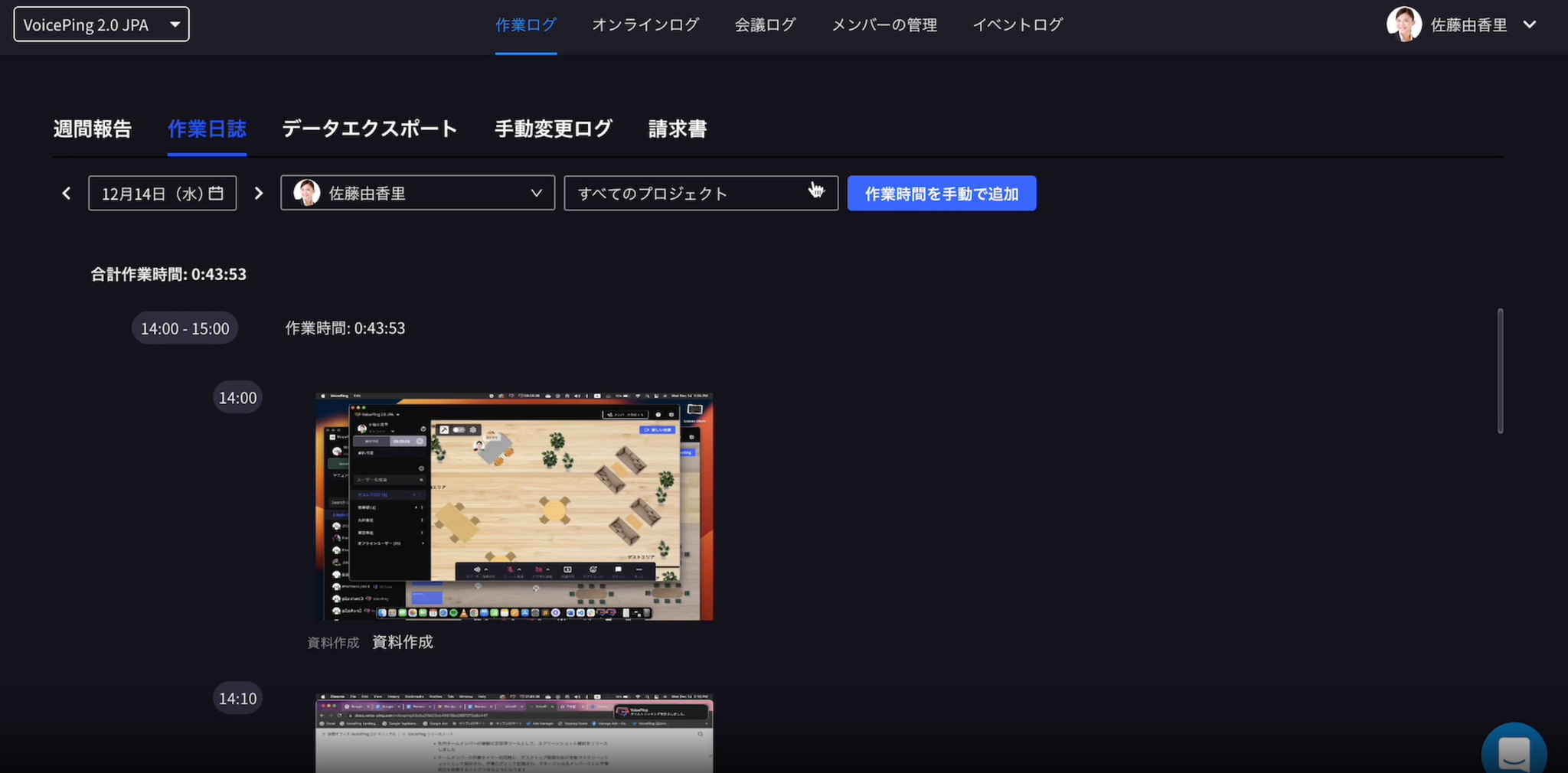
Time tracking is a feature that allows you to check which projects each member worked on, what tasks they performed, and how many hours they spent.

How to Manage Time Tracking Settings

First, navigate to the “Time Tracking Settings” page.

What You Can Do on the Time Tracking Settings Page
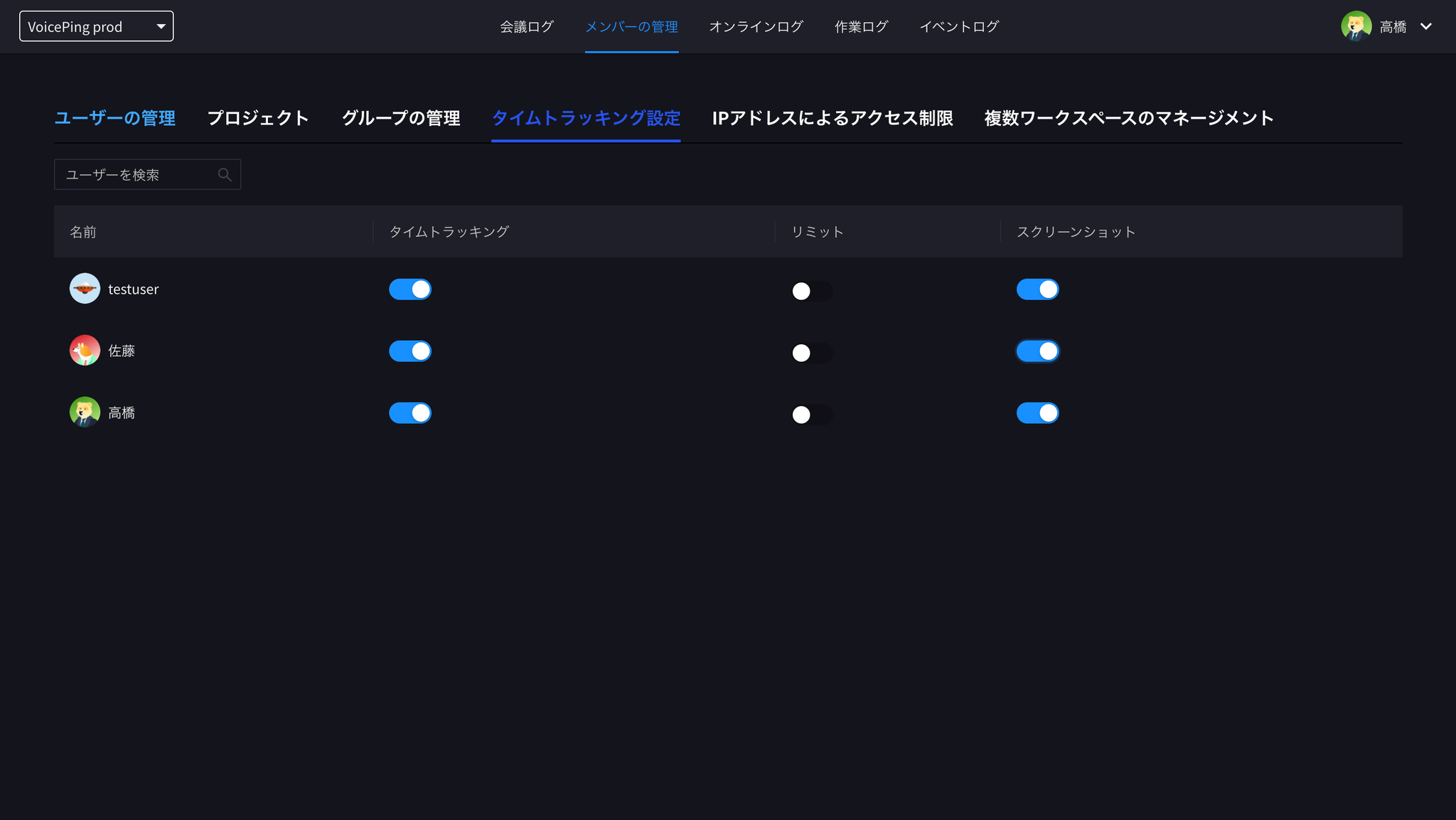
Time tracking settings screen

1. Turn Member Time Tracking Feature On/Off

You can click the toggle button for member time tracking to turn it on/off.

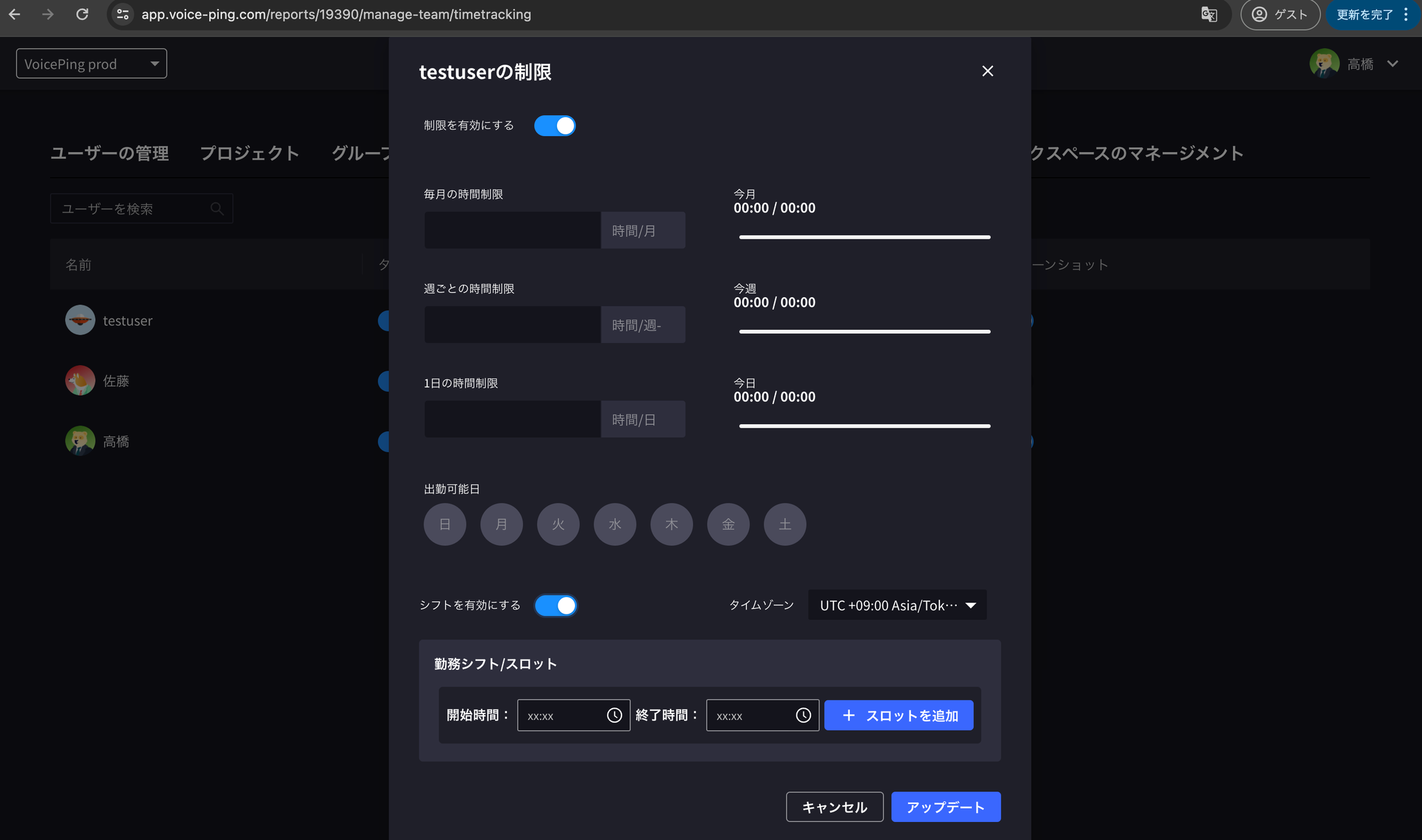
2. Work Hours Limit

Work hours limit settings screen
You can set members’ working hours and time periods. This limit system makes it easy to manage team working hours.

3. Screenshot Feature

Screenshot feature settings screen
This is a feature that automatically saves screenshots of the entire desktop every 10 minutes and records them as work logs when team members are using the work timer, so that each member’s work status can be viewed from a bird’s eye view. You can click the “Screenshot” toggle button to turn it on/off.
If you have any questions, please contact us via this form.
## Official Links