
How to Use
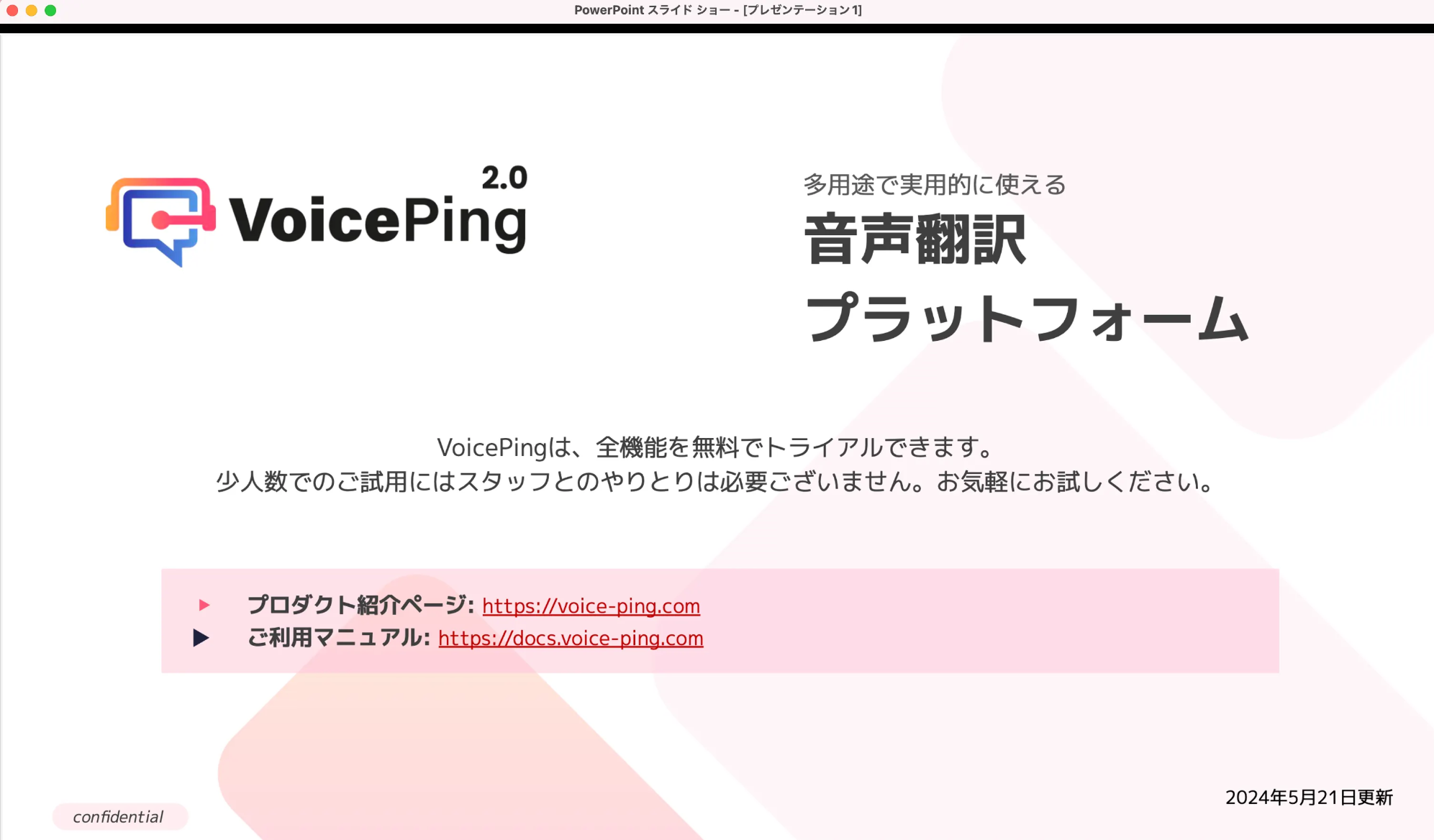
- Prepare materials.
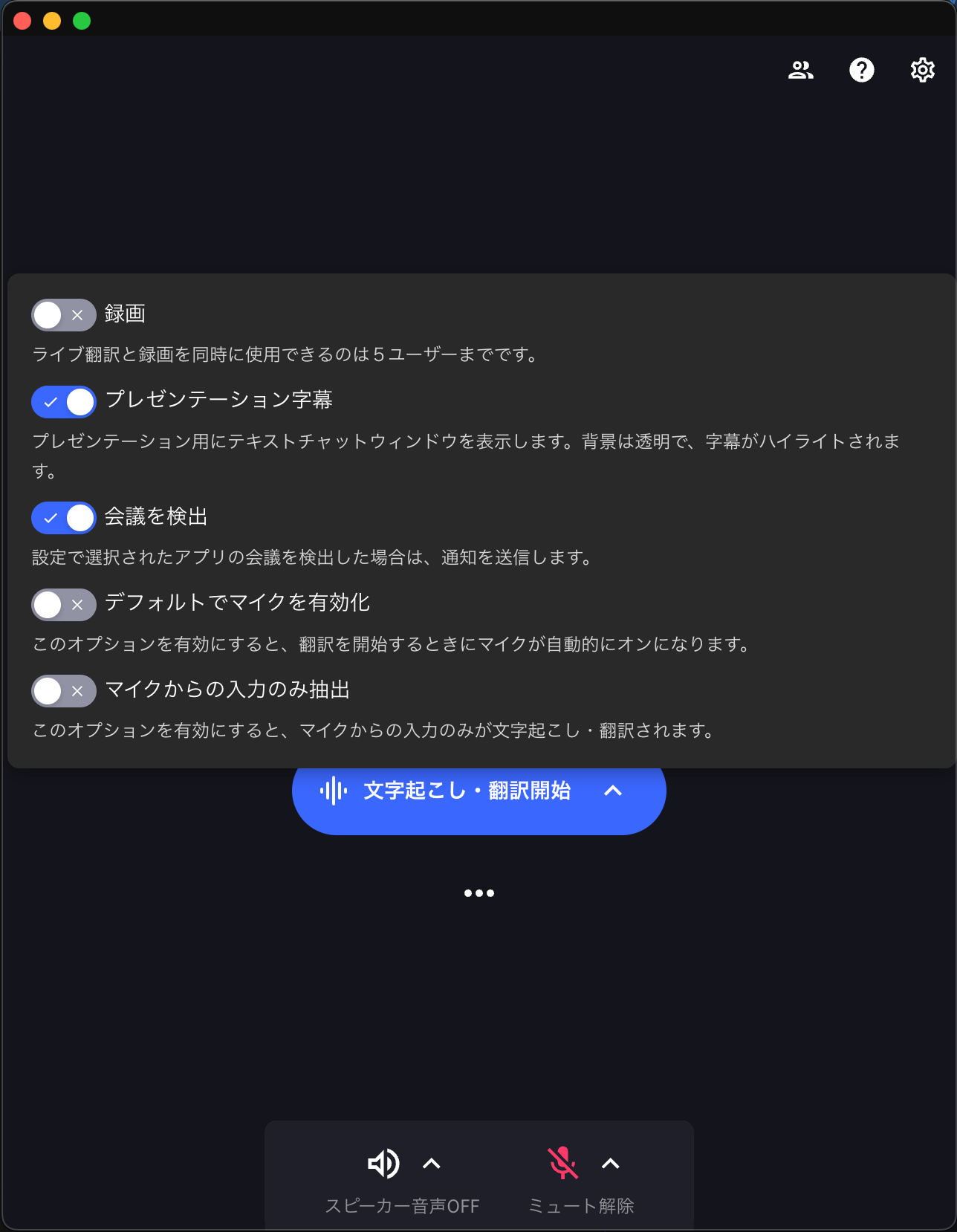
- Open the VoicePing app.
- Hover the cursor to the right of Start Transcription/Translation to enable presentation subtitles.
- After starting translation, only text will be displayed after a moment.
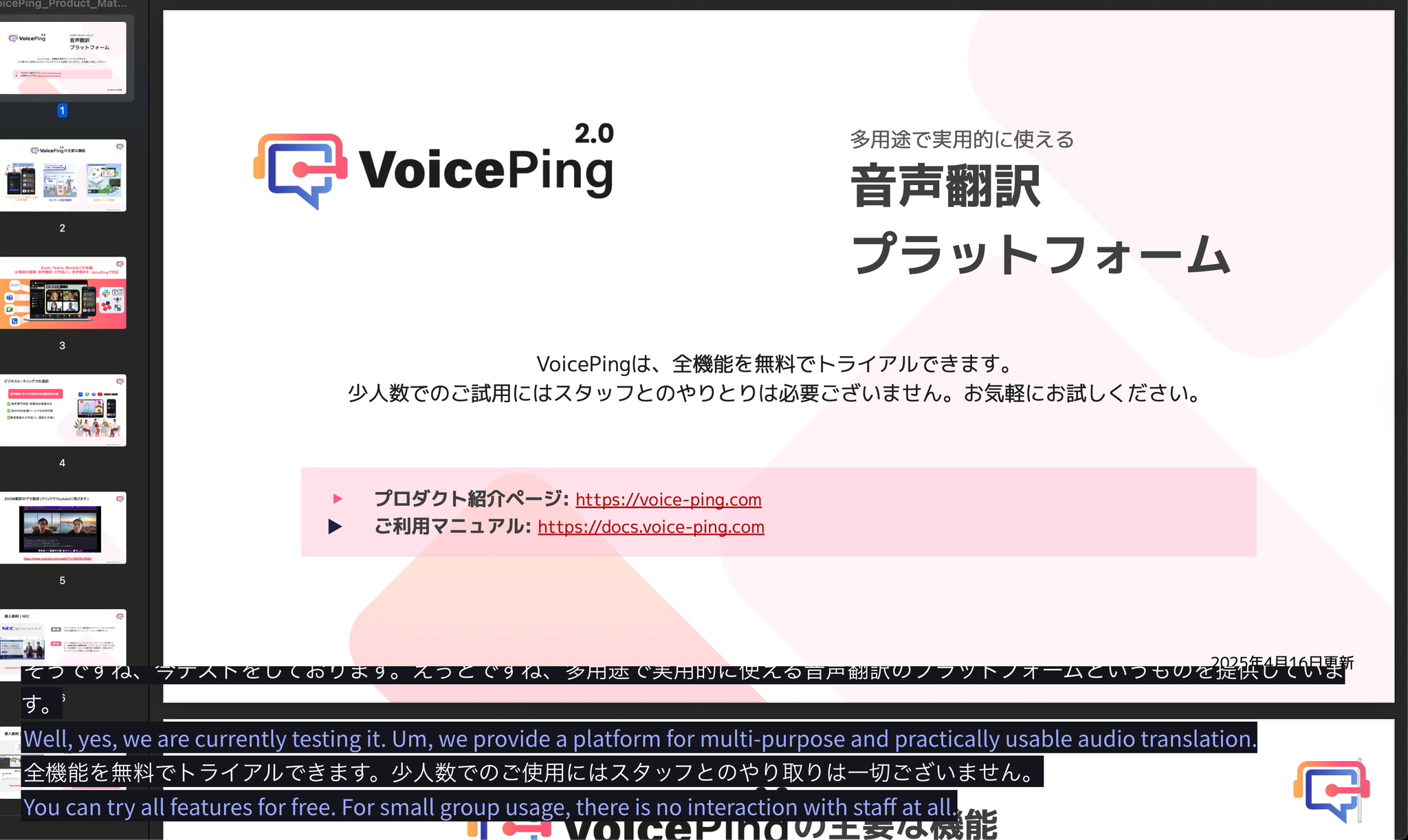
Feature to display subtitles over presentation materials