
Steps for Reporting Bugs/Issues
-
Prepare a capture when encountering the bug/issue
- Press the F12 key to open developer tools

- Select “Console” from the top tabs in the developer tools on the right side
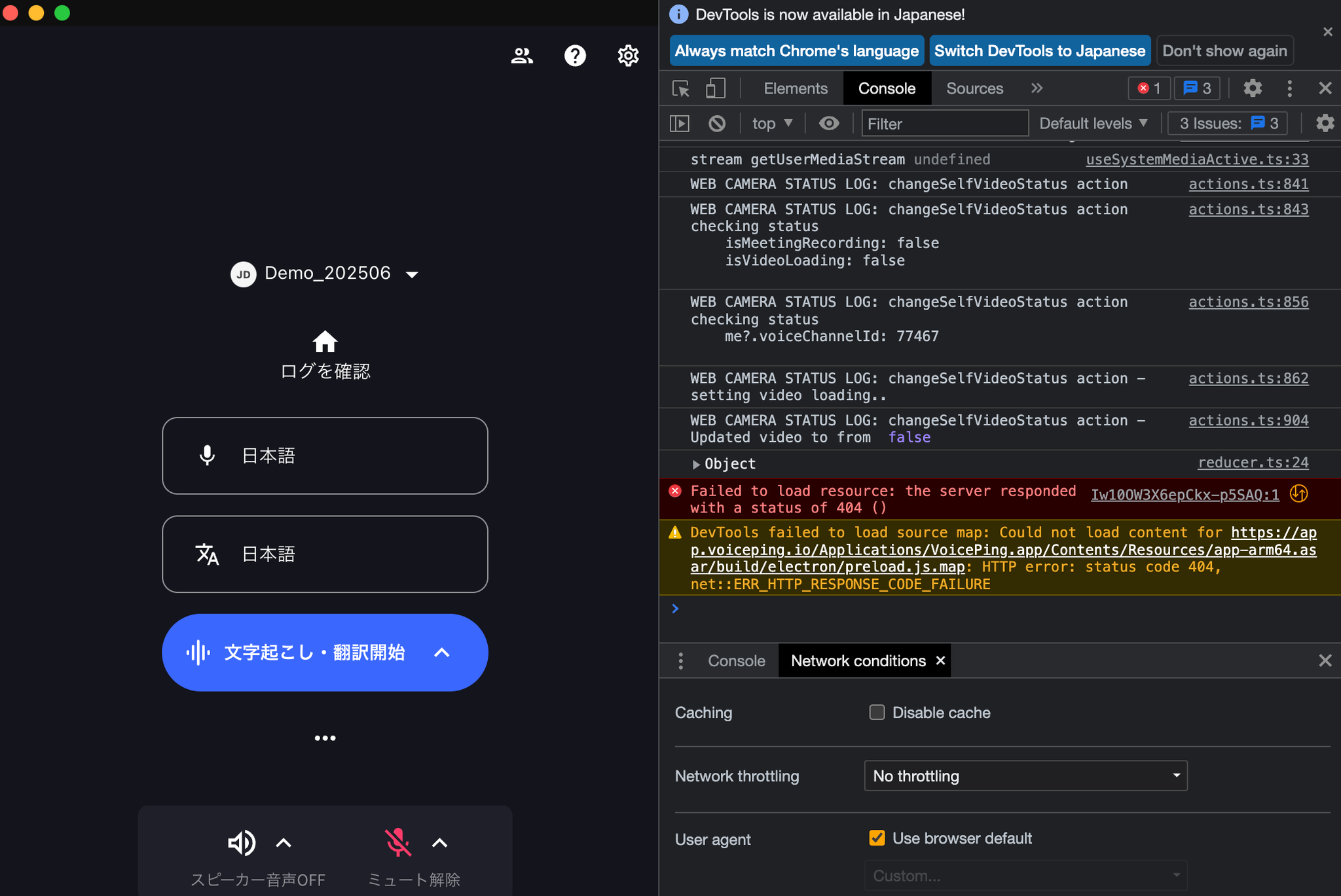
- Take a screenshot of the screen (if there are many logs, scroll and take multiple screenshots)
- Please contact us via this form