What is Event Log
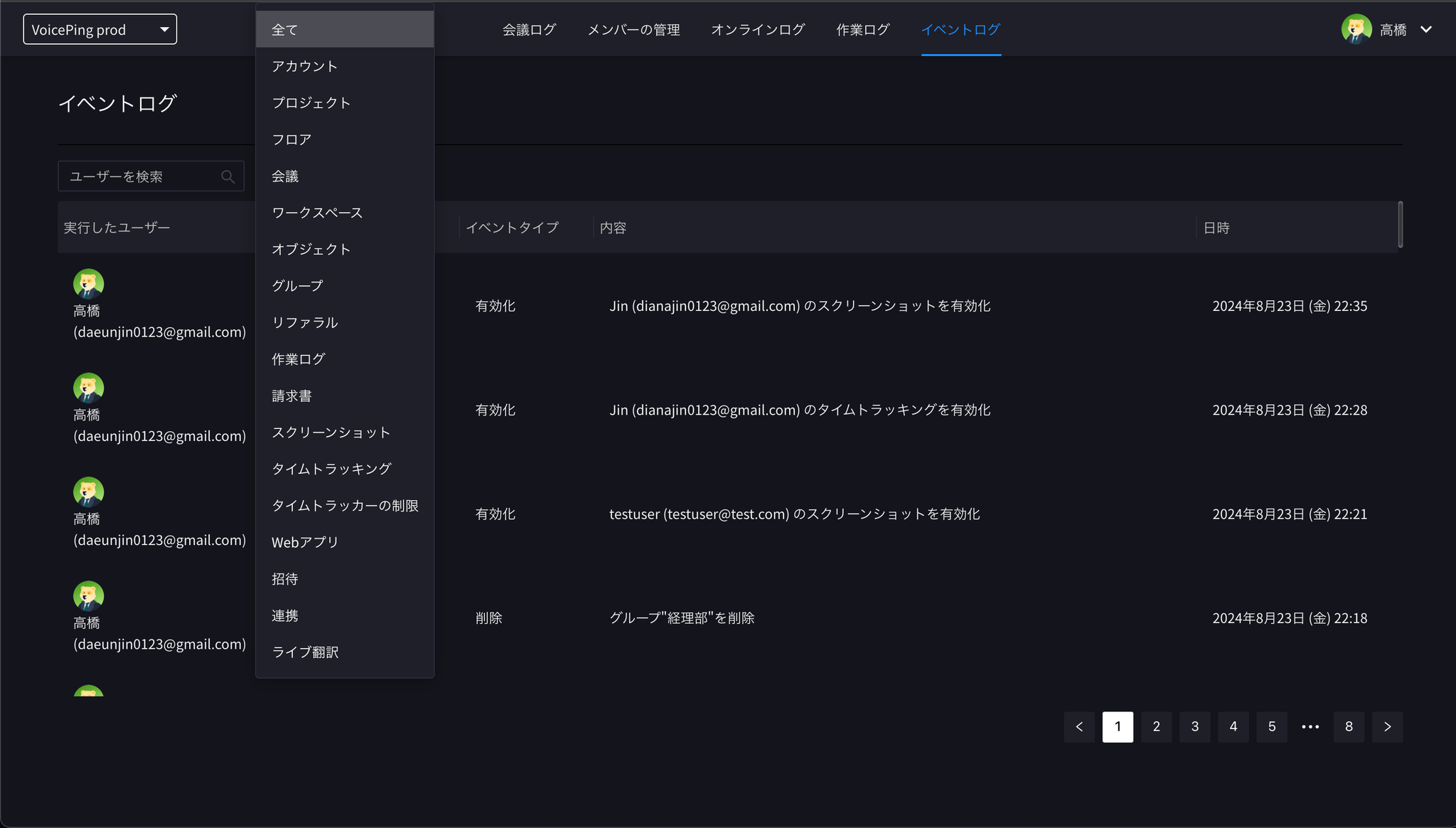
VoicePing has an “Event Log feature” that records all security-related operations within the virtual office. You can review the history of important operations such as adding or removing members, granting permissions, and setting passwords for guest invitations. You can also check the integration status of external apps (such as Slack and Google Calendar) for each member.How to Check Event Log
- Click the clock icon in the upper right corner of the work timer
- Click the “Event Log” tab in the browser
- Review the event log
Filtering
- Filter by event type
- Filter by username