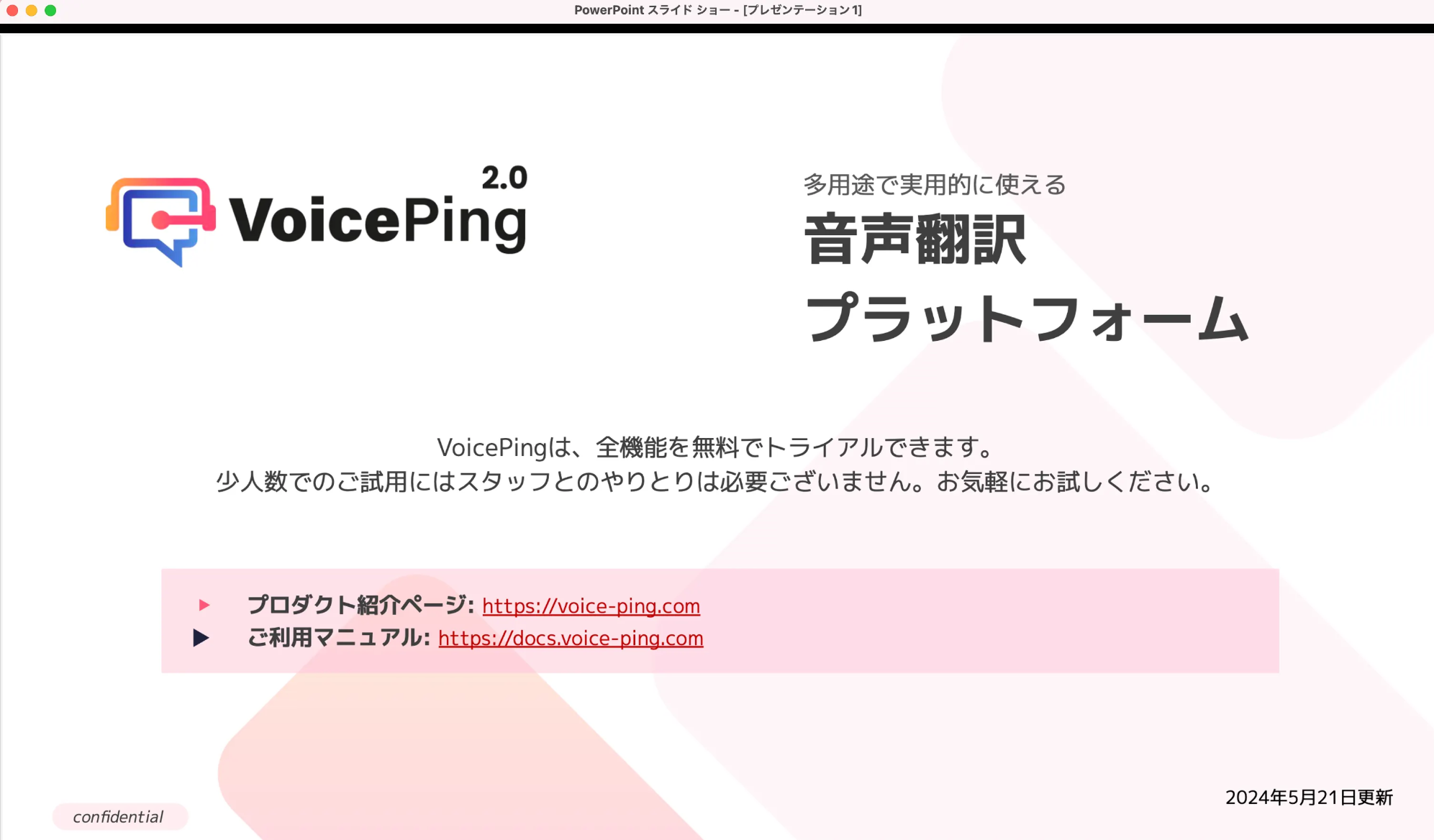
Presentations သို့မဟုတ် webinars များတွင် PDFs သို့မဟုတ် materials share လုပ်သောအခါ YouTube သို့မဟုတ် movie subtitles ကဲ့သို့ background ကို transparent ပြုလုပ်ပြီး materials ပေါ်တွင် subtitles ပြသသော အဆင်ပြေသည့် feature ဖြစ်ပါသည်။

အသုံးပြုနည်း

  1. Materials ပြင်ဆင်ပါ။
Presentation materials
  1. VoicePing app ကို ဖွင့်ပါ။
  2. Presentation subtitles ဖွင့်ရန် Start Transcription/Translation ၏ ညာဘက်တွင် cursor ကို hover လုပ်ပါ။
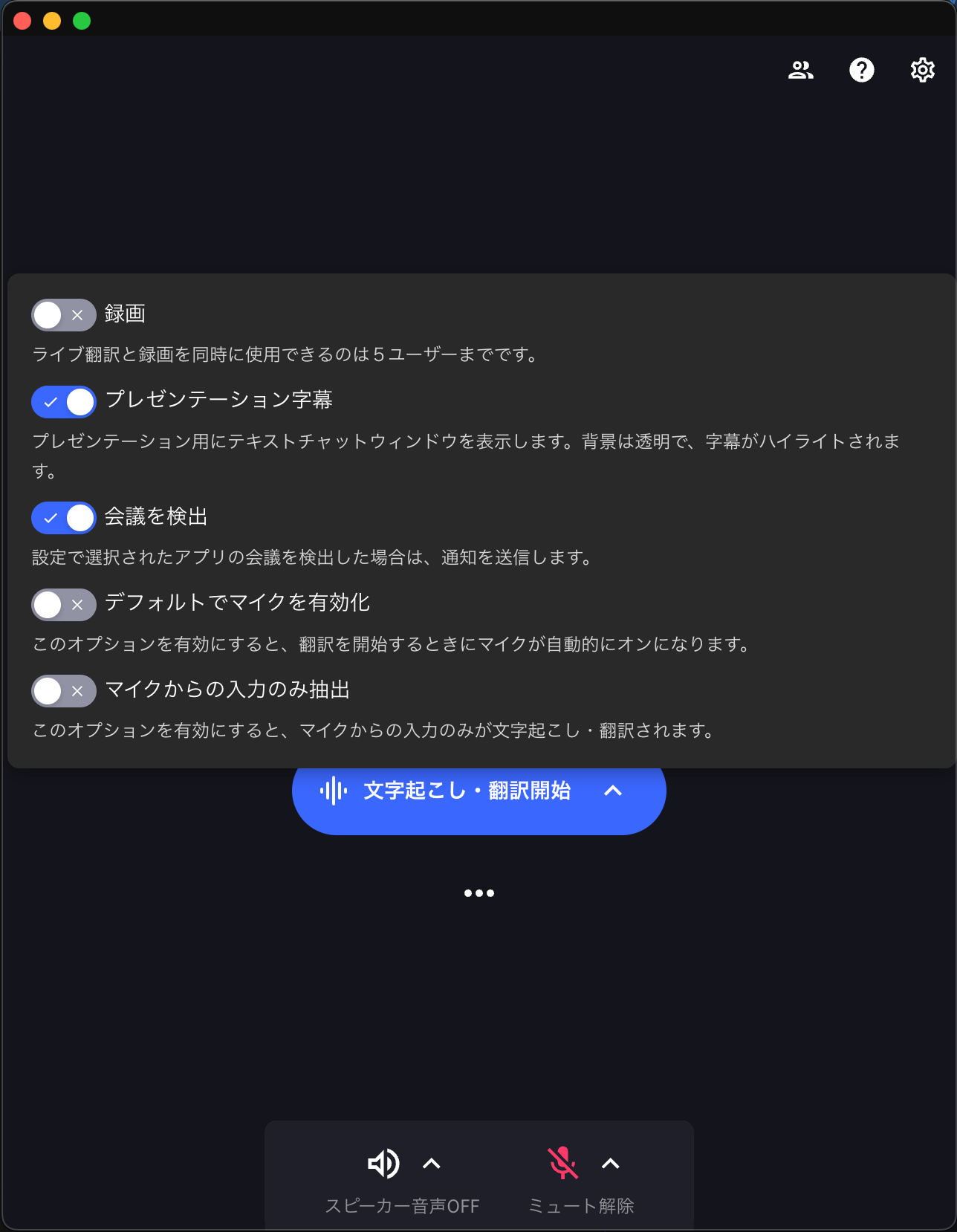
Subtitle mode enable လုပ်ခြင်း
  1. Translation စတင်ပြီးနောက် ခဏကြာလျှင် text သာ ပြသပါမည်။
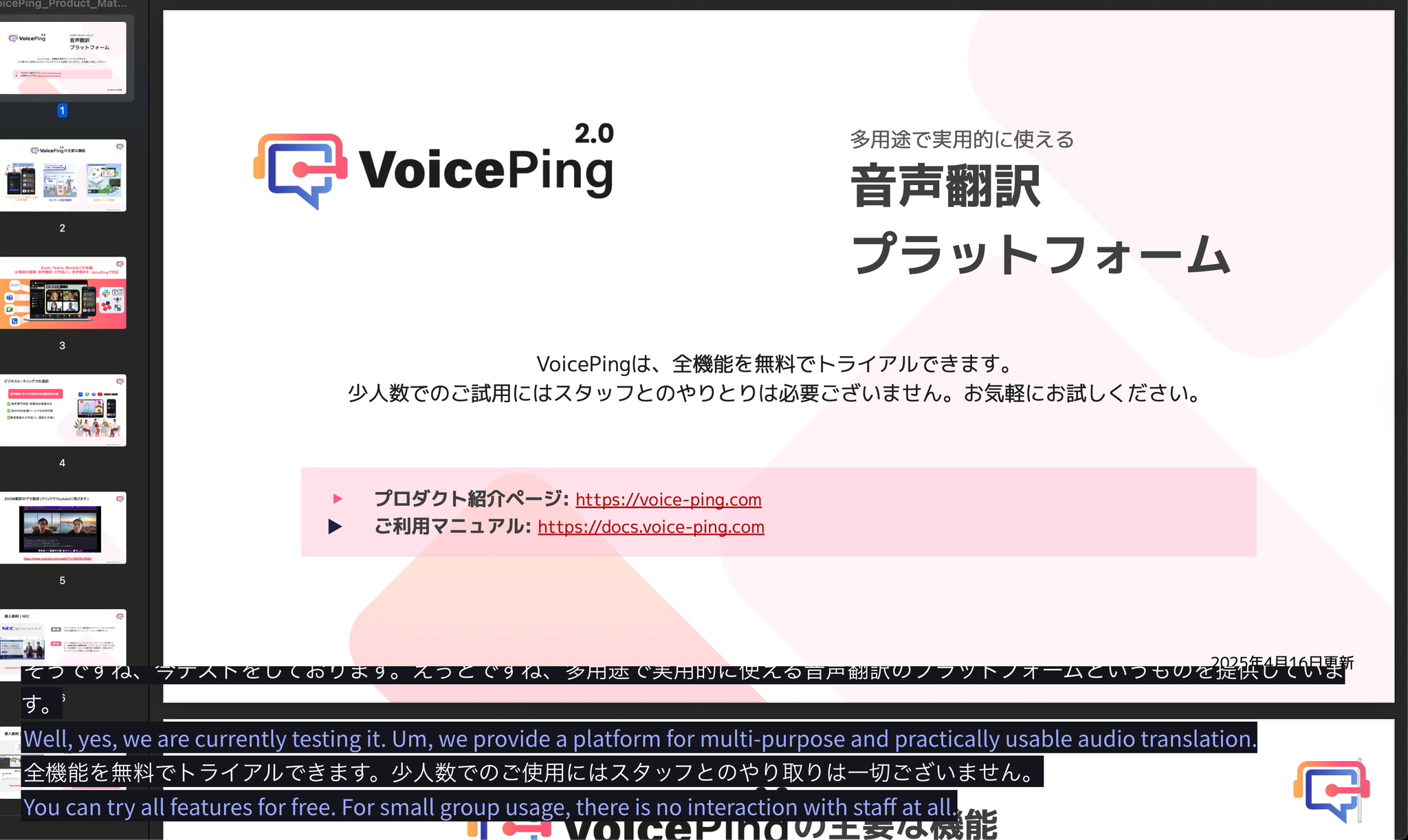
Subtitle display
မေးခွန်းများရှိပါက ဤဖောင် မှတစ်ဆင့် ကျွန်ုပ်တို့ထံ ဆက်သွယ်ပါ။
## တရားဝင်လင့်များ